
Touch Screen Control
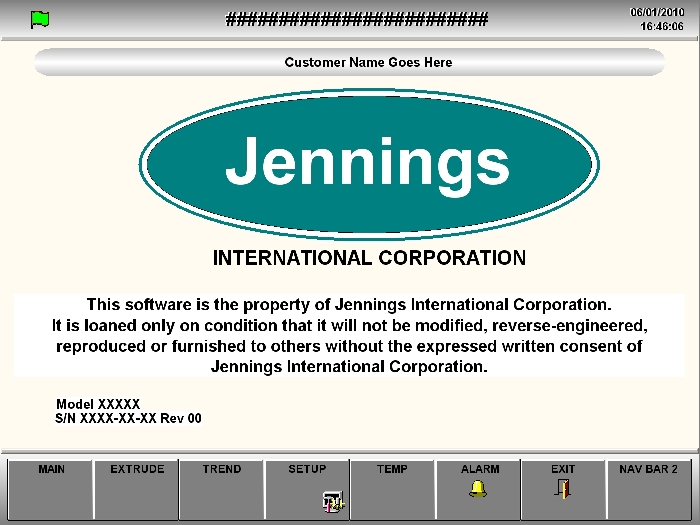
The Touch Screen Display and the Operator Interface software (or HMI software) has replaced the old push button console with digital controls and displays. This allows the operator to control the set up and performance of the extruder with far greater accuracy than was previously possible. Jennings' latest innovation has been the integration of computer controls into the Touch Screen Console. The control program works with Microsoft Windows or Microsoft Windows CE operating system, and includes a licensed copy. The built in computer allows convenient data exchange and screen updates from Jennings without downtime. The addition of an Ethernet network card allows easy communication with a customers intranet. Remote diagnostics and updates are also possible. Jennings can customize the HMI to your requirements, languages, and terminology.
Computer based control now allows the operator to log data throughout the extrusion run. This data is stored in a flat file which may be readily transferred and displayed in a spreadsheet program, such as Microsoft Excel. Any of the displayed data categories may be logged, including, but not limited to: .

- Extrusion Pressure - Actual
- High Pressure - Actual
- Low Pressure - Actual
- Clamp Pressure - Actual
- Ram Speed - Actual and Set Point
- Capstan Speed - Actual and Set Point
- Ram Position - Actual
- Die Temperature - Actual and Set Point
- Barrel Temperature - Actual and Set Point
- Tip (Mandrel) Position - Actual and Set Point
- Diameter Gauge - Actual and Set Point
- Spark Tester Faults
- Customer supplied signals